
How to Make a Free QR Code for a URL or Wi-Fi Network
· 4 min read
Contents
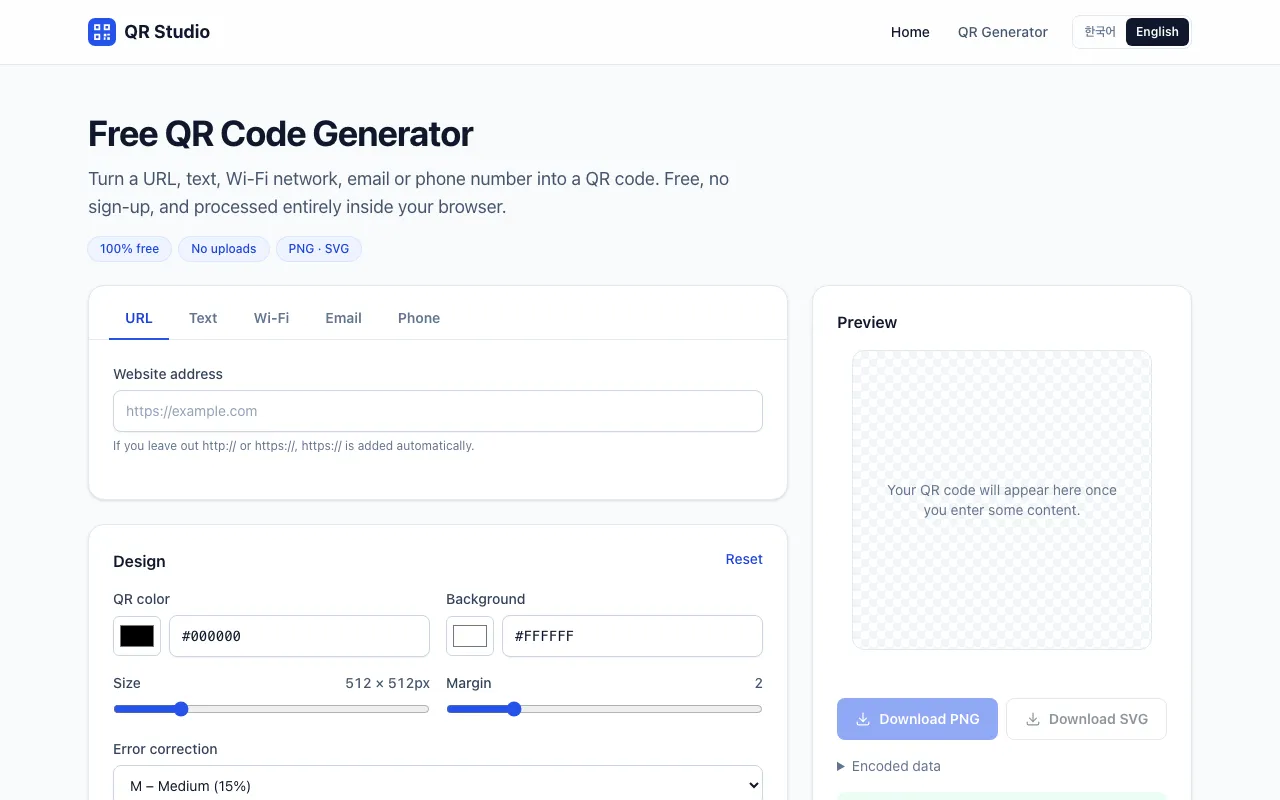
Our third post introduces the QR Code Generator. It turns website addresses, Wi-Fi login details, email addresses and phone numbers into QR codes you can download as PNG or SVG. Below: why we built it, how to use it, and what data actually goes inside each type of QR code.
Why we built it
QR codes come in handy for putting a link on a menu, sharing guest Wi-Fi, or adding a link to a slide. But many QR services you find through search have catches:
- The QR code points to the service’s own short link, so it stops working after a trial ends or when you cancel a paid plan.
- High-resolution files or SVG downloads require an account or payment.
- Sensitive details, like your Wi-Fi password, are sent to their servers.
So we built ours on a few principles:
- Static QR codes only: what you enter is encoded directly into the QR code. There is no redirect in between, so codes never expire and keep working even if this site goes away.
- No sign-up or payment for PNG or SVG downloads.
- What you type is turned into a QR code in your browser only and never sent anywhere.
How to make a URL QR code
- Choose a type: URL, text, Wi-Fi, email or phone.
- Enter the content: the QR code appears in the preview on the right (below on phones) as you type.
- Adjust the design if you like: colors, size, margin and error correction.
- Download it as PNG or SVG.
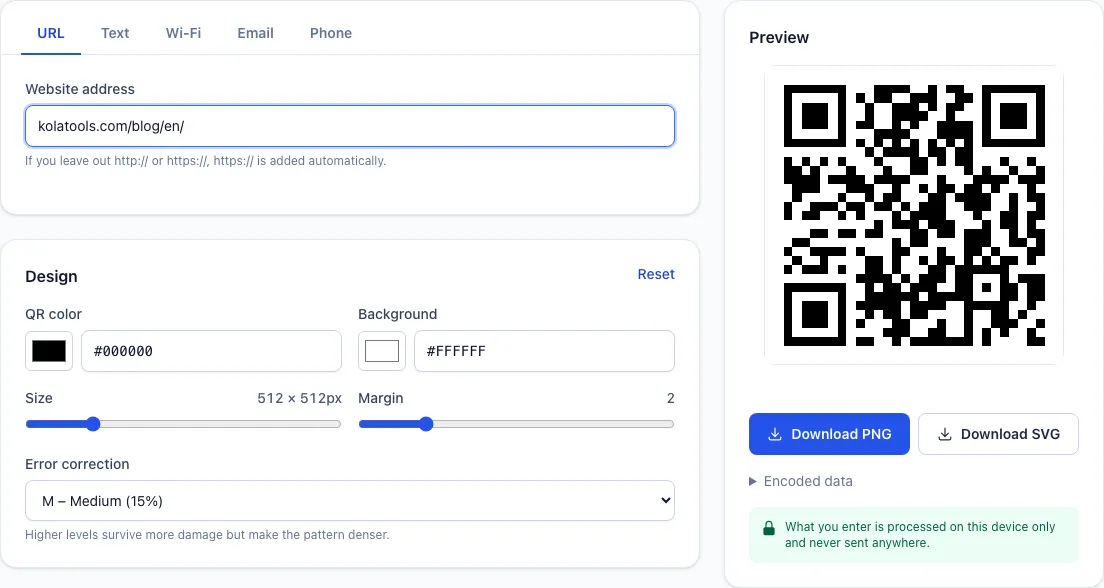
You can leave out https:// — typing kolatools.com/blog/en/ adds it automatically. Values with spaces or that aren’t valid addresses are flagged before a code is made, so you don’t end up printing a QR code that won’t open.
Wi-Fi QR codes: connect with one scan
A Wi-Fi QR code saves guests from typing your network name and password. They point their phone camera at it and are offered to join the network.
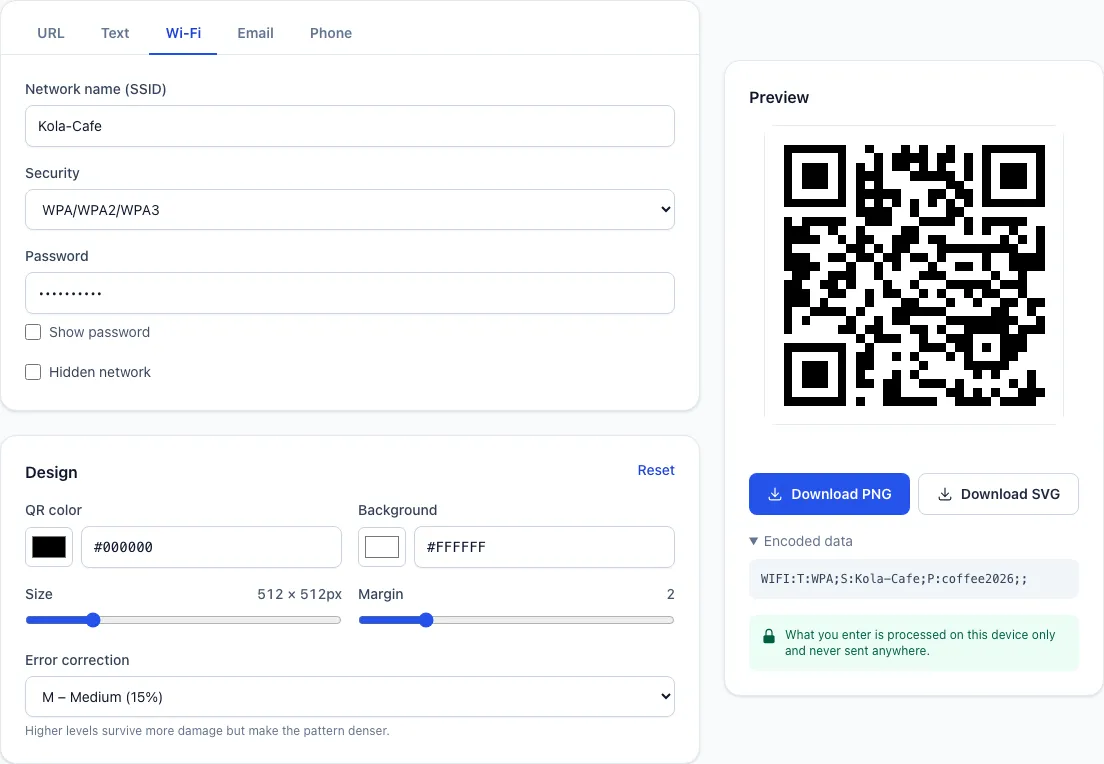
Expand Encoded data under the preview to see the exact string stored in the QR code. Wi-Fi QR codes use a standard format: WIFI:T:security;S:network name;P:password;;.
- Special characters such as
;,,,:,"and\in the network name or password are escaped with a backslash so scanners don’t misread them. - WPA passwords are checked for 8–63 characters, and WEP keys for the allowed lengths.
- If your network name is hidden, tick “Hidden network”.
One caution: a Wi-Fi QR code lets anyone who scans it see the password. If you post it in a public place, consider a separate guest network.
What each type stores
| Type | Data in the QR code | When scanned |
|---|---|---|
| URL | https://kolatools.com/blog/en/ |
Opens the address in a browser |
| Text | Exactly what you typed | Shows the text |
| Wi-Fi | WIFI:T:WPA;S:name;P:password;; |
Offers to join the network |
mailto:address?subject=...&body=... |
Opens a pre-filled email | |
| Phone | tel:+15551234567 |
Opens the dialer |
Email subjects and bodies are encoded so mail apps read them correctly, and spaces, hyphens and brackets are stripped from phone numbers.
Design settings and scannability
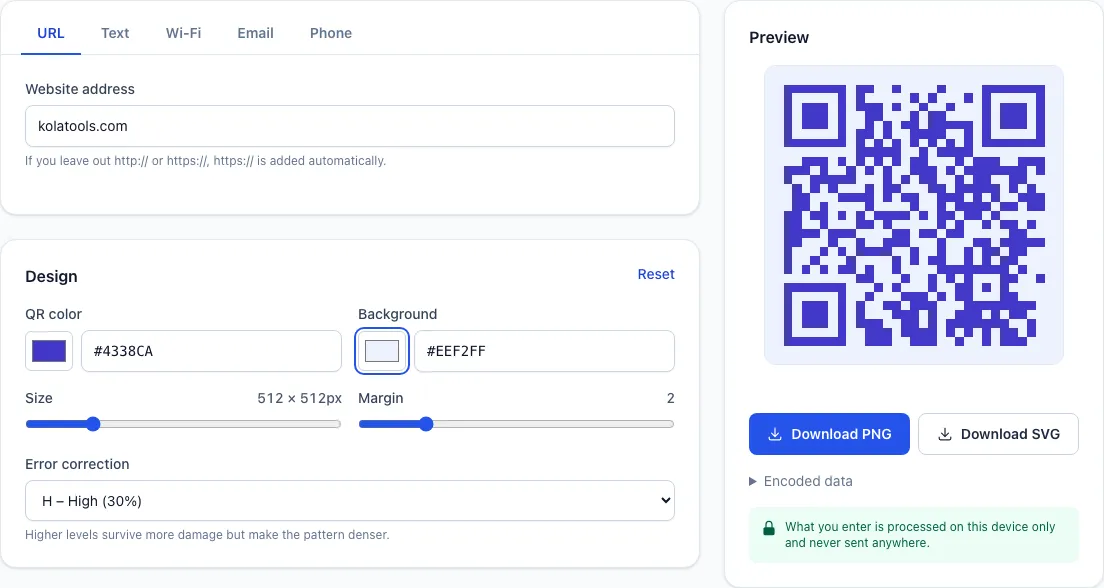
- Colors: change the QR and background colors. If the contrast drops below 3:1, or the QR color is lighter than the background, you’ll see a warning that some scanners may fail.
- Size: anywhere from 128 to 2048 px. PNG files are saved at this size.
- Margin: the blank border around the code. Setting it to 0 can confuse some scanners, so keep at least the default of 2 modules.
- Error correction: extra data that lets a code be read even when part of it is covered or dirty. Choose L (7%), M (15%), Q (25%) or H (30%); higher levels survive more damage but make the pattern denser. M suits everyday use; Q or H is better for outdoor prints that may get scuffed.
PNG or SVG? Use PNG for websites and messaging apps, and SVG for print or large banners, since it stays sharp at any size. When printing, make the code at least 2 cm × 2 cm (about 0.8 in), and keep URLs short — shorter data means a simpler pattern that scans more easily.
How it works
QR codes are drawn in your browser with the open-source qrcode library. Input validation and data generation for each type (Wi-Fi escaping, email encoding and so on) live in small functions separate from the page, so the same input always produces the same data.
- PNG downloads save the canvas used for the preview as an image file.
- SVG downloads rebuild the same data as a vector image.
- Nothing you enter is sent to a server, so even your Wi-Fi password never leaves your device.
Try it yourself
Whether it’s a menu link, guest Wi-Fi or the email address on a business card, make your QR code in seconds with the QR Code Generator. Our previous post introduced File Tools without uploads.